Playlist

Effortlessly manage your financial records with AccroBIZ ERP’s Ledger Management module.
Create, edit, or delete ledgers with ease — and keep your accounts perfectly organized.
🔹 Key Features:
✅ Create & Edit Ledgers – Add new ledgers or update existing ones with just a few clicks.
✅ Grouping & Categorization – Organize ledgers under custom groups for better financial control.
✅ Ledger Statements – Instantly view detailed statements, transaction history, and balances.
✅ Smart Tracking – Monitor each ledger’s performance and payment history in real-time.
✅ Secure Deletion – Maintain data integrity with controlled and permission-based ledger deletion.
With AccroBIZ ERP, ledger management becomes simple, accurate, and efficient — empowering your business with clear financial insights and easy accounting control.
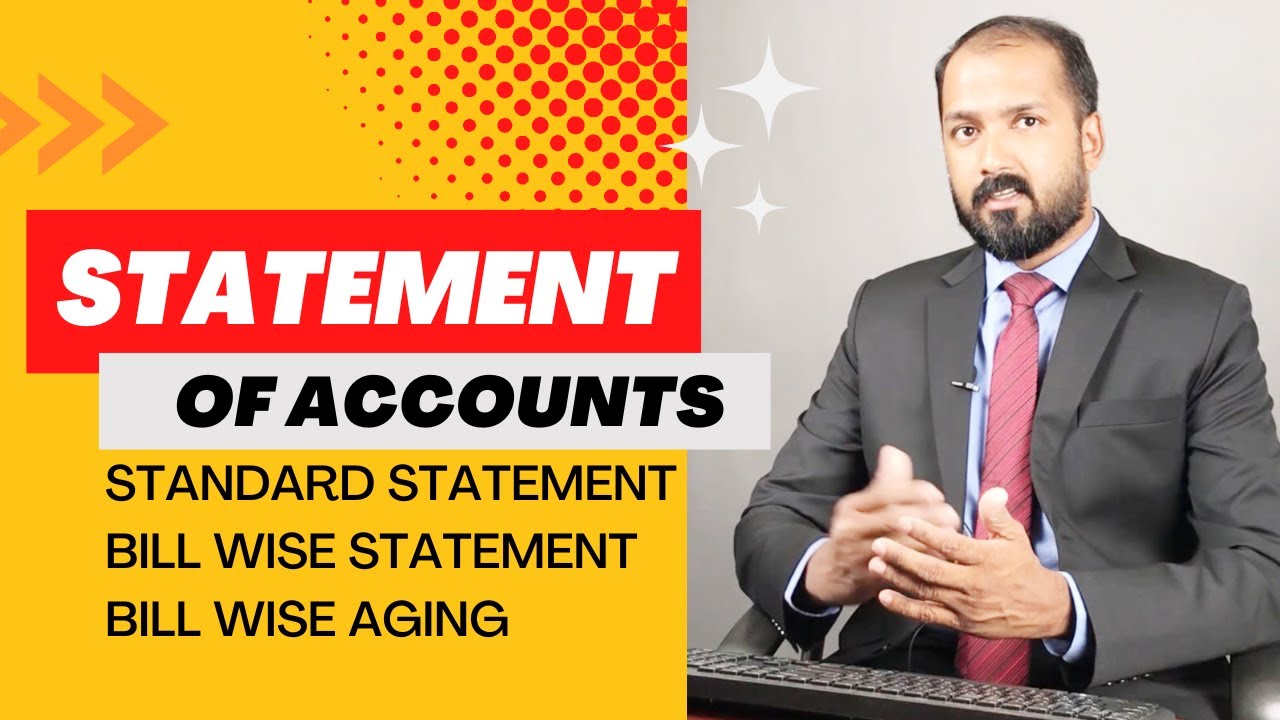
In this video, learn how to generate and analyze Statement of Accounts, including Bill Wise Statements, Standard Statements, and Bill Wise Aging Reports in AccroBIZ ERP.
Understand customer and supplier outstanding balances, track due bills, and manage financial aging efficiently. Perfect for accountants, business owners, and finance teams!
👉 Topics Covered:
Statement of Accounts Overview
Bill Wise Statement Report
Standard Account Statement
Bill Wise Aging Report
Tips for Efficient Account Reconciliation
📘 AccroBIZ ERP – Simplify Your Business Accounting!
Learn how to perform Statement Reconciliation in AccroBIZ ERP — easily match your bank statements and ledger transactions to ensure accurate financial records.
In this tutorial, we’ll guide you step-by-step through reconciling statements, identifying mismatches, and maintaining error-free accounts.
✅ Topics Covered:
Bank & Ledger Reconciliation process
Matching transactions automatically
Adjusting unmatched entries
Generating reconciliation reports
Stay in full control of your finances with AccroBIZ ERP’s smart reconciliation tools!