Playlist
Efficiently manage all your business suppliers with AccroBIZ ERP’s Supplier Management module. Easily create, edit, or delete supplier profiles, keeping your database accurate and up to date. Track every transaction and communication with complete visibility into supplier statements, payment history, and outstanding balances.
Stay in control with tools to monitor performance, track deliveries, and manage supplier credits or dues — all from one intuitive dashboard. Simplify your procurement process and strengthen supplier relationships with real-time insights and streamlined workflows.
Key Features:
Add, edit, or remove supplier details instantly
Generate and view supplier statements
Track purchase transactions and payments
Monitor outstanding balances and credit limits
Get full supplier history and performance tracking
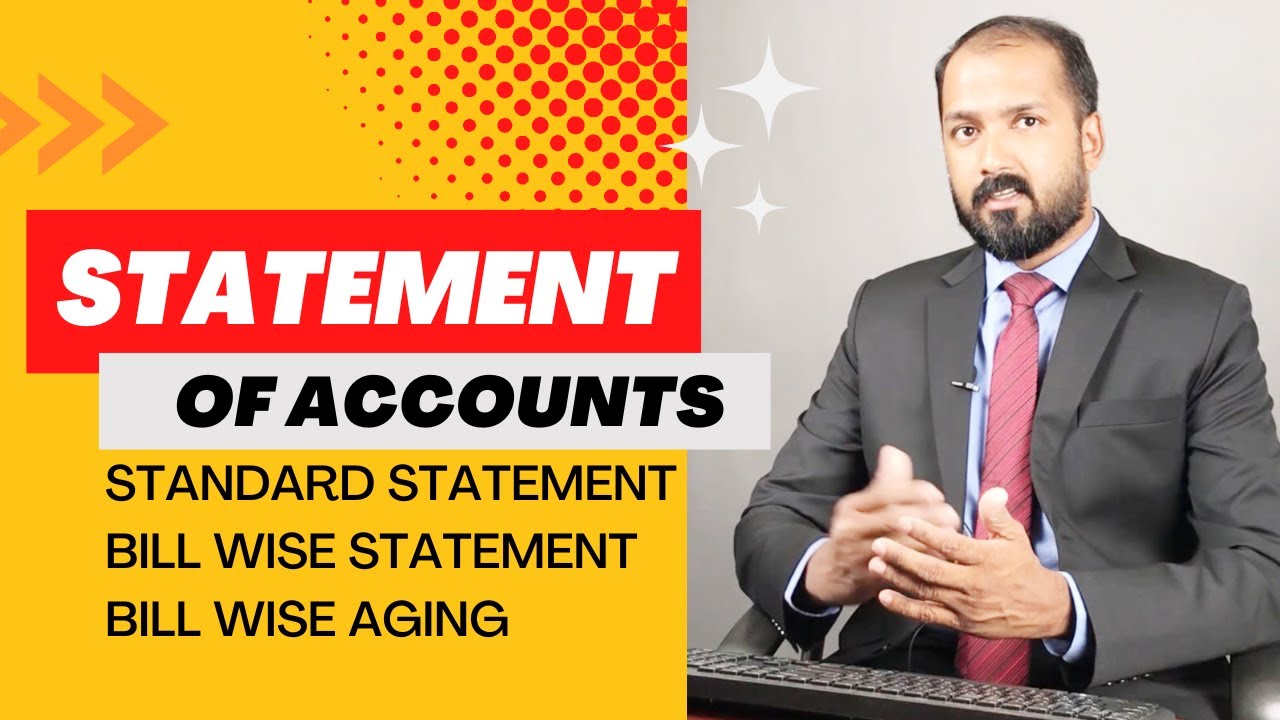
In this video, learn how to generate and analyze Statement of Accounts, including Bill Wise Statements, Standard Statements, and Bill Wise Aging Reports in AccroBIZ ERP.
Understand customer and supplier outstanding balances, track due bills, and manage financial aging efficiently. Perfect for accountants, business owners, and finance teams!
👉 Topics Covered:
Statement of Accounts Overview
Bill Wise Statement Report
Standard Account Statement
Bill Wise Aging Report
Tips for Efficient Account Reconciliation
📘 AccroBIZ ERP – Simplify Your Business Accounting!
Learn how to perform Statement Reconciliation in AccroBIZ ERP — easily match your bank statements and ledger transactions to ensure accurate financial records.
In this tutorial, we’ll guide you step-by-step through reconciling statements, identifying mismatches, and maintaining error-free accounts.
✅ Topics Covered:
Bank & Ledger Reconciliation process
Matching transactions automatically
Adjusting unmatched entries
Generating reconciliation reports
Stay in full control of your finances with AccroBIZ ERP’s smart reconciliation tools!